Smartphones are becoming more advanced every year, and in 2026, mobile UI customization has reached a completely new level. Most modern Android phones now come with a front camera placed inside the display, usually in the form of a punch-hole or notch, which sits very close to or directly inside the status bar area.
Because of this design, many users ask a common question:
Can we customize the mobile front camera status bar?
The answer is yes. In fact, in 2026, customizing the front camera area and status bar is easier, safer, and more flexible than ever — even without rooting your phone.
This complete guide explains how to mobile front camera status bar customize using system settings, Android features, and trusted apps.
What Is Front Camera Status Bar Customization?
Front camera status bar customization means adjusting the visual appearance and behavior of the area around the front camera, including:
-
Changing how the camera cutout looks
-
Adjusting status bar icon alignment
-
Improving visibility around the punch-hole or notch
-
Managing camera indicators and notifications
Earlier, these changes required advanced tools or rooted devices. In 2026, Android officially supports many of these options.
Why Front Camera Status Bar Customization Matters in 2026
Modern smartphones focus on:
-
Near bezel-less displays
-
High screen-to-body ratios
-
Front cameras embedded directly into the screen
If the status bar is not properly adjusted:
-
Icons may overlap with the camera cutout
-
Notifications can appear misaligned
-
The UI can look cluttered or unbalanced
That is why mobile front camera status bar customize is important not only for design, but also for usability.
Built-In Android 2026 Options for Status Bar Customization
Android versions released in 2026 (Android 14 and above, including custom UIs) include useful built-in controls.
Camera Cutout Settings
Many Android brands now allow:
-
Showing or hiding the camera cutout
-
Adding a black outline or ring
-
Adjusting fullscreen behavior for apps
These options are usually found here:
Settings → Display → Camera Cutout / Front Camera Settings
Status Bar Icon Controls
Modern Android systems allow you to:
-
Resize battery and network icons
-
Change clock position
-
Hide unnecessary system icons
This helps keep the status bar clean and prevents conflicts with the front camera.
Camera Indicator Customization
Newer Android versions support:
-
Camera glow effects
-
Color-based indicators
-
App-specific camera alerts
These features are especially useful on punch-hole display phones.
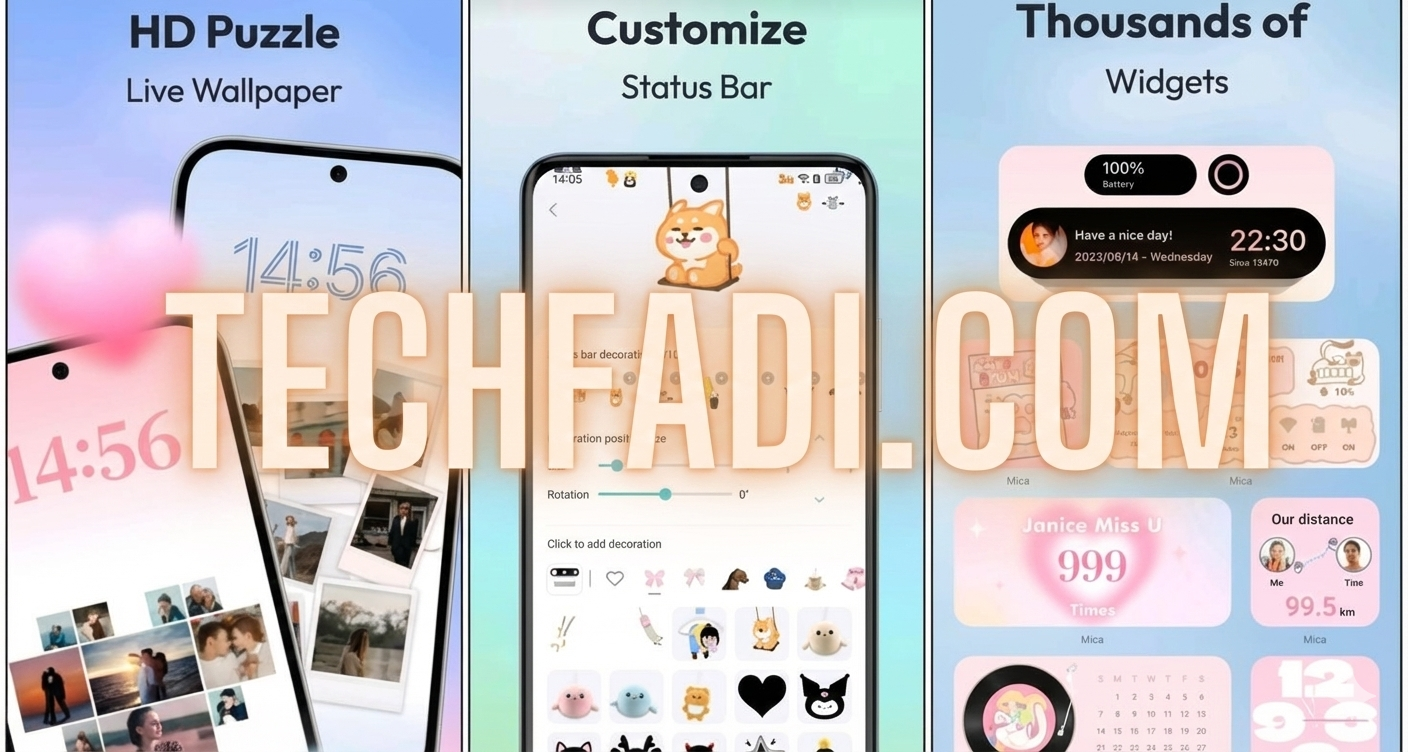
Best Apps to Mobile Front Camera Status Bar Customize (No Root)
If system options are limited, trusted third-party apps can help.
Edge Mask and Camera Effect Apps
These apps allow:
-
Light rings around the front camera
-
Notification animations
-
Charging and alert effects
Most are no-root, safe, and compatible with Android 2026.
Status Bar Customizer Apps
These tools help you:
-
Make the status bar transparent
-
Fix icon spacing issues
-
Improve alignment around the camera cutout
Using minimal settings is recommended for best performance.
Dynamic Island-Style Tools for Android
In 2026, Android users also have access to:
-
Interactive camera-area alerts
-
Music, call, and navigation indicators
-
Reduced status bar clutter
However, excessive use should be avoided to maintain a clean UI.
Root vs Non-Root Customization (2026 Comparison)
| Feature | Non-Root | Root |
|---|---|---|
| Safety | High | Risky |
| Warranty | Safe | Void |
| Updates | Stable | Unstable |
| Customization Level | Moderate | Extreme |
For most users, non-root customization is the best option.
Brand-Wise Customization Overview
Samsung (One UI 6+)
-
Advanced camera cutout controls
-
Automatic icon alignment
-
Extended customization support
Xiaomi / Redmi (HyperOS)
-
Strong status bar management
-
Camera indicator customization
-
Theme-based flexibility
Realme / Oppo
-
Clean and stable UI
-
Limited but reliable customization
Infinix / Tecno
-
Fewer system options
-
Third-party apps work better
Common Mistakes to Avoid
When trying to mobile front camera status bar customize, avoid these mistakes:
-
Using too many animations
-
Allowing icons to overlap the camera
-
Granting permissions to unknown apps
-
Hiding the cutout completely in dark mode
These issues can affect performance and visual clarity.
Future of Front Camera Status Bar Customization
In the coming years:
-
Under-display cameras will improve
-
Status bars will become fully adaptive
-
Camera areas may disappear when not in use
This means customization will rely more on software than hardware.
FAQs
Can I customize the front camera status bar without root?
Yes. Most Android phones in 2026 support non-root customization.
Does customization affect phone performance?
Light customization does not impact performance.
Which Android version works best?
Android 14 and newer versions offer the most flexibility.
Are customization options the same on all phones?
No. Features vary depending on brand and UI.
Is front camera status bar customization safe?
Yes, when using built-in settings or trusted apps.
Conclusion
In 2026, mobile front camera status bar customize is no longer just about appearance. It improves readability, balance, and overall user experience. With built-in Android features and safe third-party tools, users can easily personalize their devices without risking performance or security.